
How to 100% Neat!
A calm completion route—story first, mop-up second—so all 24 Steam achievements land without fake trophy names or rushed rooms.
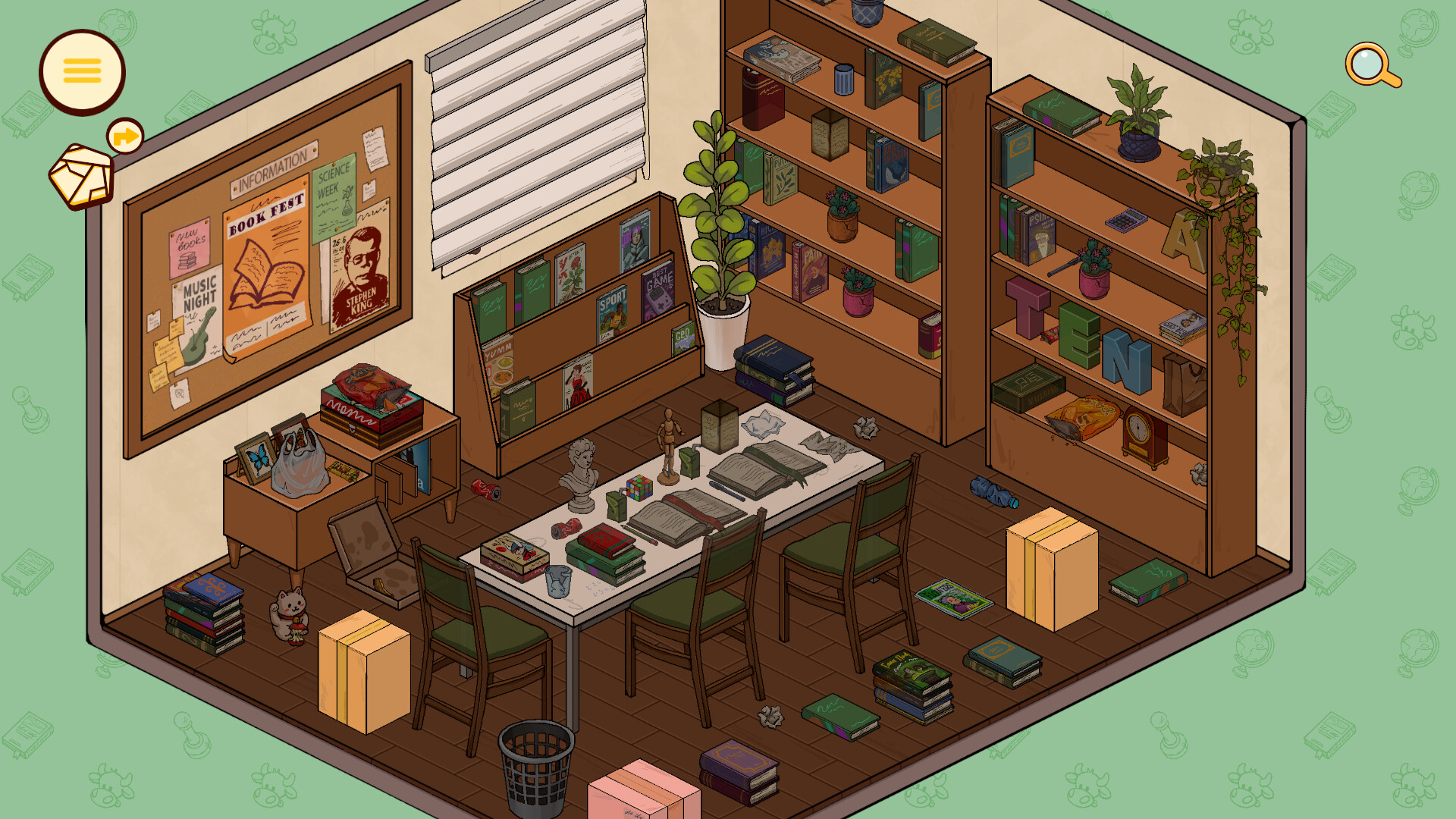
Chasing 100% in Neat! is refreshingly humane. Korova Games ships a short cozy campaign—about 3.5–4 hours for a story-minded run across eight locations—with 24 Steam achievements, Steam Cloud, and Steam Deck Verified play. You do not need a pixel-perfect shelf photograph to “beat” the game. You need patience, curiosity, and a deliberate mop-up pass after Molly’s finale.
This guide is the completion route: how to structure a first playthrough, what flexible layouts mean for trophies, how to use Cloud saves when you bounce between PC and Deck, and how to finish the list without inventing achievement names. For trophy-by-trophy mindset on confirmed titles, keep Achievements open. For order through the jobs, use the Walkthrough. For themes, use Locations. For pacing habits, use Tips. Hardware and Deck comfort notes live on System Requirements.
What “100%” means here
On Steam, treat 100% as:
- Story complete — all eight client spaces finished through the personal finale.
- Achievements complete — 24/24 unlocked in the Steam overlay.
- Personal neatness (optional) — screenshots or layouts you are proud of; the game does not grade a single correct map.
Because layouts are flexible, completion is less “match the FAQ image” and more “see the content, interact widely, and finish each reboot honestly.” That is good news for players who hate invisible answer keys.
Phase 1 — Story pass (do not trophy-panic)
Play Molly’s jobs in order with attention, not with the Steam list glued to your forehead.
Goals for phase 1
- Clear each location until it feels settled for the client.
- Read letters, notes, and play cassette tapes as you uncover them, not as end-of-room homework.
- Interact with obvious thematic props: stationery, food, indoor-comfort gear, tools of each client’s daily life.
- Take short breaks between spaces so the finale still lands.
Why story-first works
Most of the 24 achievements are designed to fall during honest exploration and progression. Panic-clicking every object while ignoring narrative context burns the emotional arc and still misses quiet interactions. The Walkthrough keeps you oriented; Locations explains what each space is about so you stop treating rooms like identical trash piles.
Confirmed names to notice without spoiling the whole list
This wiki only documents achievement titles we can confirm cleanly: Stationery Addict, Room Reboot, Touch Grass… Later, and Chef’s Kiss. Everything else stays in progression / exploration / miscellaneous buckets on the Achievements page—match icons in your Steam client rather than trusting invented names from random posts.
During the story pass, you can still lean gently toward those themes:
- Give desks, libraries, and paper culture real attention for stationery energy.
- Finish rooms as true reboots, not soft exits mid-mess.
- Slow down in the hermit / indoors-focused space for the “touch grass later” joke-with-heart.
- Treat the kitchen and food props with care for culinary flair.
Detailed approach notes for those four live on Achievements.
Phase 2 — Mop-up pass (systematic, short)
After credits, open the Steam achievement list and see what remains. Expect a short cleanup—not a second full campaign—if you read and poked widely the first time.
Mop-up checklist
- Compare Steam list vs memory. Note rooms where you rushed.
- Revisit high-interaction spaces. VTuber desk chaos, library paper ecosystems, kitchen tools, hermit comfort infrastructure, and any zone where you bulldozed past tapes.
- Exhaust containers and perimeter walks. Exploration-style unlocks love drawers, behind-furniture gaps, and “I already finished this shelf” blind spots—habits covered in Tips.
- Retry joke-adjacent props. Miscellaneous trophies in cozy games often watch playful interactions; do not invent a ritual, but do revisit anything that felt like a punchline.
- Verify 24/24 before you uninstall or bury the install in a rarely used Steam category.
If a guide online invents titles not shown in your client, ignore it. Stick to confirmed names plus Steam’s own list.
Flexible layouts vs completion
Players arriving from stricter tidy puzzles sometimes assume 100% requires a canonical shelf. In Neat!, organize by feel remains the rule. Achievements care more about doing things and encountering content than about photographing one approved kitchen.
That means:
- You can complete the game with divergent layouts and still 100%.
- Sterile minimalism that contradicts notes and tapes is a story mistake, not a trophy strategy.
- Redoing a shelf during mop-up is fine; undo is part of the craft loop.
- Screenshots help you remember states across Cloud devices, not to prove a “correct” clear.
If you feel stuck because a room “looks messy” but story items are done, ask the threshold question from Tips: could this client have a kinder next day here? If yes, move on and hunt interactions elsewhere.
Steam Cloud tips for 100%
Steam Cloud is your friend when you split sessions between desktop and Deck:
- Fully exit the game after a mop-up session so unlocks and progress sync.
- Avoid long overlapping sessions on two devices at once; last-write confusion helps nobody.
- After a Deck session, confirm achievements popped in the overlay before assuming the desktop client is behind.
- If something looks desynced, give Steam a moment, relaunch, and check the in-client list again before replaying a whole location.
Cloud does not replace attention—it just lets a 3.5–4 hour game fit real life across hardware.
Deck-friendly completion habits
Neat! is Steam Deck Verified with partial controller support. A full 100% route is absolutely doable handheld:
- Use Verified defaults, then hybrid stick / trackpad for fiddly piles.
- Dock a mouse for stationery-dense mop-up if Stationery Addict is still locked.
- Lower distractions: cozy games lose exploration trophies when you tidy on autopilot during a podcast climax—pause media for tape-heavy rooms.
- Battery is usually friendly at chill settings; still plug in for a focused mop-up block so you do not rush the last interactions.
Pair Deck comfort reading with System Requirements and input notes in Controls.
Suggested calendar (optional)
| Session | Focus | Links |
|---|---|---|
| 1–2 | Opening locations, learn the loop | Getting Started, Tips |
| 3–4 | Mid-list jobs with full reading | Walkthrough, Locations |
| 5 | Finale without speed-running | Walkthrough |
| 6 | Achievement mop-up + verify 24/24 | Achievements |
You can binge in one evening; the table only protects story quality and leftover trophies.
What not to do
- Do not invent or chase fake achievement names beyond Stationery Addict, Room Reboot, Touch Grass… Later, Chef’s Kiss, and what Steam actually shows you.
- Do not soft-exit mid-room on a trophy hunt and assume progression pops later.
- Do not save every letter for a post-credits reading marathon; layout meaning arrives mid-tidy.
- Do not treat 100% as a reason to skip the Review audience fit check if you have not bought yet—completion routes assume you already enjoy the genre.
After the list is full
Compare layouts with friends, keep Updates bookmarked for patches that might touch tracking, and revisit favorite spaces just for vibe. Twenty-four achievements on a ~$7.99, ~4-hour cozy game should feel like a bow on the story—not a second job.
When you want the trophy philosophy page again, return to Achievements. When you want the route through all eight jobs again, return to the Walkthrough. 100% in Neat! is mostly the same skill as playing well: look twice, read early, and leave each room kinder than you found it.
Frequently Asked Questions
Quick answers about Neat!, Molly, and this fan wiki.
What is the best Neat! 100% route?
Finish a careful story pass through all eight locations while reading notes and tapes, then run a short mop-up using the Steam list and the Achievements guide.
Do I need a perfect layout to unlock everything?
No. Layouts are flexible. Focus on completing spaces, consuming story items, and interacting with thematic props rather than copying one shelf map.
Which achievement names does this wiki confirm?
Stationery Addict, Room Reboot, Touch Grass... Later, and Chef's Kiss. For the rest of the 24, use Steam’s list plus general progression and exploration advice.
Can I 100% Neat! on Steam Deck?
Yes. It is Steam Deck Verified with Cloud saves. Use trackpad precision or a docked mouse for fiddly stationery mop-up.
How long does full completion take?
A story run is about 3.5–4 hours; a thorough reading style plus mop-up can add a bit more without turning into a marathon grind.